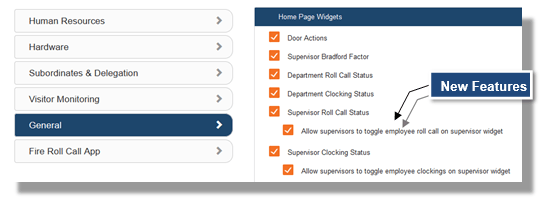
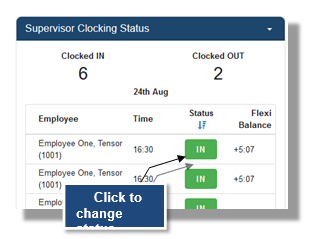
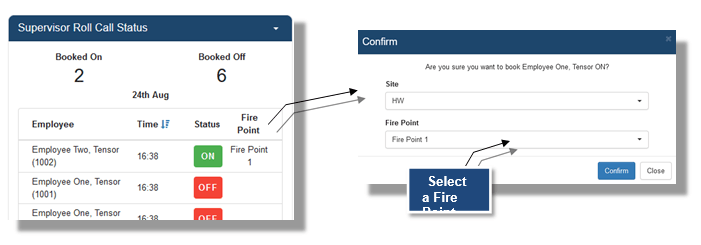
Once the role option is enabled for toggling clocking status, Logged in Users with this permission are then able to click on the current IN \ OUT status next to the employee being supervised, this will then pop up a message to confirm if you would like to make that employee clocked IN \ OUT (i.e. opposite of what are currently).